

For Admins: Inviting a User
Admins manage who has access to the solution directly from the admin dashboard.1
Log in with admin credentials
Sign in using a username and password that has admin rights.
2
Open the user management section
From the admin dashboard, locate the user management section in the sidebar.
3
Click Invite user
Inside user management, select the Invite user button to start a new invitation.
4
Enter the co-worker's details
Provide the user’s name, email, and phone number, then submit the invitation.
5
Login codes are sent automatically
Based on the information you entered, the system emails login codes to the user so they can join.
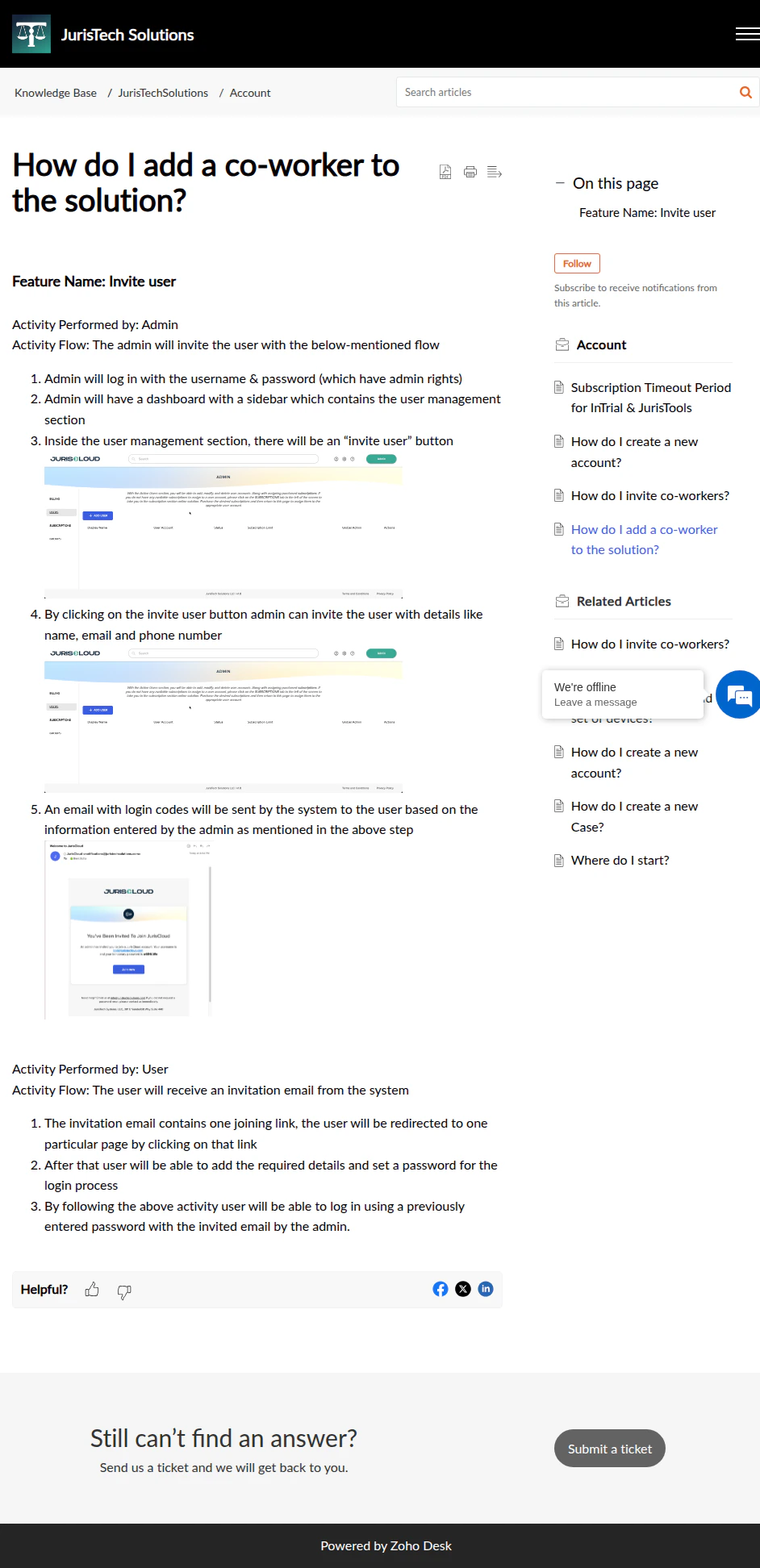
Inviting a co-worker from the user management section of the admin dashboard
Detailed step-by-step screenshots for this section are being finalized.
For Users: Joining the Solution
Once an admin sends the invitation, the new co-worker completes setup from their inbox.1
Open the invitation email
The invitation email contains a joining link. Click it to be redirected to the account setup page.
2
Add your details and set a password
Fill in the required details and choose a password for your account.
3
Log in
You can now log in using the invited email address and the password you just set.
Be sure to use the same email address the admin used for your invitation when logging in for the first time.
Explore the JurisLit Suite
Once your co-worker has joined, they can access the products their seat is licensed for.JurisDiscovery
Desktop eDiscovery and ingest engine for case building and discovery processing.
JurisReview
Desktop workspace for document review, tagging, and markup.
JurisPrep
Cloud sync layer and gateway for cross-device and cross-firm collaboration.
JurisTrial
iPad-first, offline-resilient trial-presentation app.